Sharing a practice test via WhatsApp and QR code
This post shows you how to send a practice test to your classmates in a few taps.
You will learn when to use the link, the test code, the QR code and WhatsApp, and what to check before you share.
Why share a practice test with classmates
Practising alone is useful. Practising the same paper with friends is better, because you can compare scores and talk about the questions you got wrong afterwards.
A shared test also gives everyone the same conditions. The questions are the same and the time limit is the same. That makes the comparison fair.
The Online Test page describes this as "share in seconds" through a link, a code, a QR code and WhatsApp. This post walks through each one so you know which to choose.
Before you share: check the test yourself
Once you send a test to a whole class, fixing a mistake becomes awkward. So spend a little time first.
- On the Online Test page, use Create a test (the button is marked + New test) to make your test.
- Look for it in the My tests list. This is where the tests you have set are kept.
- Attempt it once yourself, exactly as a classmate would. Check that every question reads properly and that the answer options make sense.
- Check the time you have given. If it is too short, people get frustrated and the scores mean little.
Only then use the sharing controls. A quick check now saves a lot of messages later.
The four ways to share, compared
Each method does the same job: it takes your classmate to your test. They differ in how easy they are in different situations.
| Method | What it is | Use it when |
|---|---|---|
| Link | A web address you can copy and paste anywhere | You are sending it in a chat, an email or a class notice |
| Test code | A short code, shown on the page as ABC123 | You are speaking to people or writing on a board |
| QR code | A square pattern that a phone camera can read | Your friends are with you and can scan from your screen |
| A way to send the test through a WhatsApp chat | You want the whole class group to get it at once |
You do not have to choose only one. You can post on WhatsApp for the group and also keep the code ready for anyone who has trouble with the link.
Sharing on WhatsApp
WhatsApp is a messaging app that lets you send text messages and share documents and other content. Most students already use it for class groups, so it is the easiest route for a whole batch.
- Open your test from the My tests list.
- Use the WhatsApp option in the sharing controls.
- Choose your class or study group in WhatsApp.
- Add a short line of your own before you send.
That last step matters. A bare link looks like spam and people ignore it. A line of context gets attempts.
What a good message to the group contains
- The topic. Say which chapter the test covers, so people know whether they are ready.
- The instruction. Ask everyone to attempt it alone first, without looking at notes or at each other's answers.
- The deadline. Give a day and a time by which the test must be finished.
- The discussion time. Say when the group will talk through the answers.
Four short sentences, one for each point, are enough. People attempt a test faster when they know exactly what is expected.
Sharing with a QR code
QR is short for quick response. A QR code is a square pattern of black and white blocks that a phone camera can read. It is commonly used to open a web page, so scanning one takes your friend to a page without typing anything.
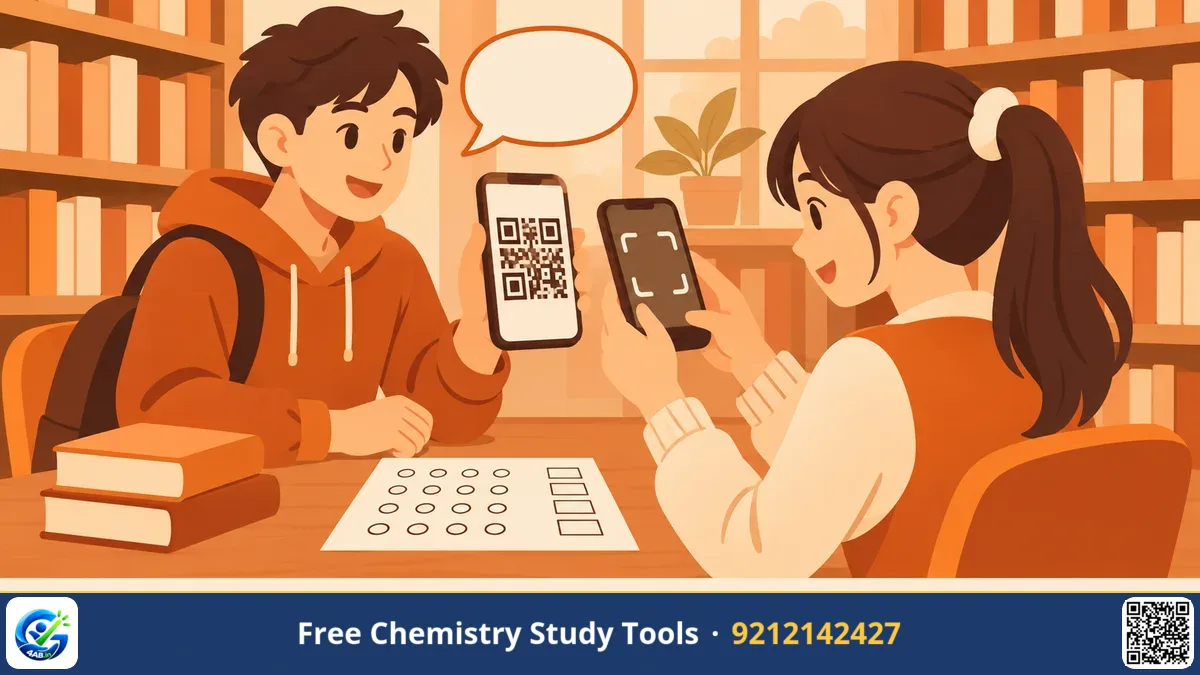
This works well when you are physically together: in the library, in a free period, or in a study group. Show the QR code on your screen. Your friends point their cameras at it and the test opens.
A few habits help:
- Keep your screen brightness high so the pattern is easy to read.
- Hold the phone steady and ask your friends to stand close.
- If someone cannot scan it, give them the test code instead of repeating the process again and again.
Scanning also assumes that every friend has a smartphone and an internet connection. If one of them does not, the code or a classmate's device is the practical fallback.
Using the test code and the link
The test code is the simplest option when nothing else works. It is short, so you can say it aloud, write it on the board, or type it into a message.
Your classmate then does the following on the Online Test page:
- Finds Take a test.
- Types the code into the Test code box.
- Presses Open test.
The page says that no account is needed unless the test asks for one. If your test does ask for an account, tell your friends before the test so nobody is stuck at the start.
The link does the same job in one tap. Use it when you are sending the test through a chat or message, where typing a code would be slower.
What your classmates will see
Tell your friends what to expect, so they do not panic on the first screen.
- A real exam clock. The page describes a countdown and auto-submit. When time ends, the test submits itself.
- Exam-style layout. There are sections, a question palette, and a way to mark a question for review, the way computer-based exams run.
- Different question types. These include MCQ, multi-select, numerical answers with tolerance, assertion–reason, match, and typed answers.
Numerical with tolerance means a small allowed difference in your answer, so a tiny rounding gap is not treated as wrong. Assertion–reason questions give you two statements and ask whether the second explains the first.
After they finish, each student gets an instant analysis. It shows the score, accuracy, rank and percentile, topic-wise and difficulty-wise bars, time per question, and a full review with explanations. Their earlier tests are listed under My attempts.
After the test: what you can see
As the person who set the test, you get results and question analysis. You can also download the results as a CSV file. A CSV is a plain table file that opens in a spreadsheet.
Use this wisely. Do not shame anyone for a low score. Look at the question analysis instead and find the questions most people got wrong. Those are the topics your group should revise together.
A good routine is simple. Share the test, let everyone attempt it alone, then meet and discuss only the hard questions. It takes less time than going through the whole paper, and everyone has already tried each question once.
Key takeaways
- Attempt your own test once before you share it, so errors are caught early.
- Use WhatsApp for a class group, the QR code for friends beside you, and the test code for spoken or written sharing.
- Add a short message with the topic, the instruction, the deadline and the discussion time.
- Tell friends that an account is needed only if the test asks for one.
- Use the results to find weak topics, not to compare people unkindly.
Frequently asked questions
Do my classmates need an account to take the test?
The page says no account is needed unless the test asks for one. If your test asks for one, tell your friends in advance.
What do my friends type to open my test?
They go to Take a test, enter the test code in the Test code box, and press Open test. The code on the page is shown as ABC123.
Can I see how my classmates did?
Yes. The person who set the test gets results and question analysis, with a CSV download.
When is a QR code better than a link?
Use it when your friends are with you. They can scan it from your screen without typing anything. For friends who are far away, WhatsApp or the link works better.
Where can I find the tests I have made?
They are listed under My tests on the Online Test page. Tests you have attempted yourself are listed under My attempts.
What to do next. Try it yourself on the page below.
Great Education — 4AB →